← All projects 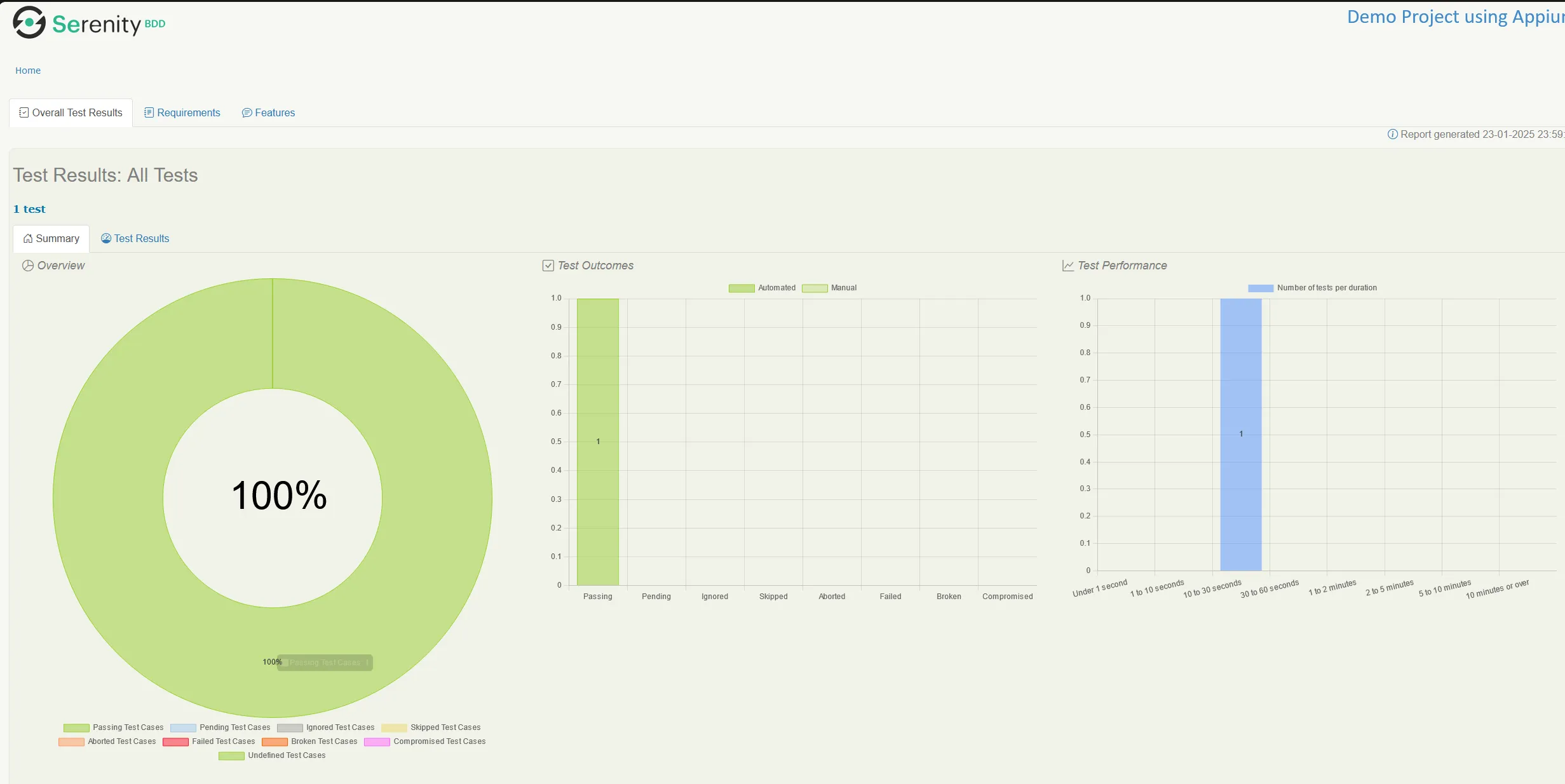
Mobile Testing Demo
Android test automation that runs in parallel on two emulators through Selenium Grid and several Appium servers, with Serenity BDD reports.
- Java
- Appium
- Selenium Grid
- Serenity BDD
- Gradle
- Android
What it shows
Running mobile tests one device at a time is slow. This project runs the same Android suite on two emulators at once: Selenium Grid routes each session to its own Appium server, and Serenity BDD collects the results into a single report.
How it works
- Two Android 15 emulators are started from Android Studio’s AVD Manager.
start_servers.batstarts the Selenium Grid hub and one Appium server (UiAutomator2 driver) per emulator.- The Grid UI at
localhost:4444/uiconfirms both nodes are up. ./gradlew clean parallelTests -iruns the suite in parallel.- The Serenity report is generated in
target/site/serenity/index.html.
Device capabilities (platform version, device name, UDID) live in serenity.properties, so pointing the suite at other devices is a configuration change, not a code change.
Stack
Java 21, Gradle 8, Appium 2 with UiAutomator2, Selenium Grid, Serenity BDD, Android Studio emulators.